
Authorized Senders
The system only accepts invoices from recognized email addresses. The address you forward from must match one of the following:- A user in your company (the user must have permission to update payments)
- A payee, matched against either the payee’s Email field or Alternate Emails field
- An attorney, matched against the attorney’s email
How to Forward Invoices
- In the sidebar, click the Financials tab to open the Financials page.
- Click the Forwarded Invoices tab.
- Copy the email address displayed on the page.
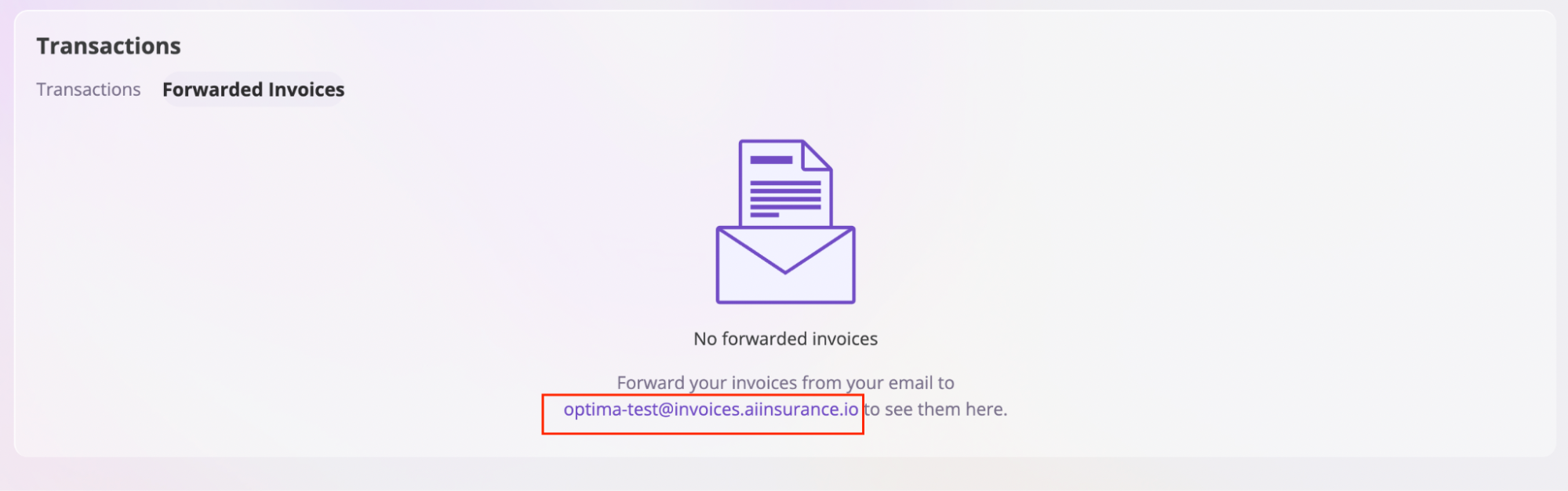
- Forward your invoice email to that address.
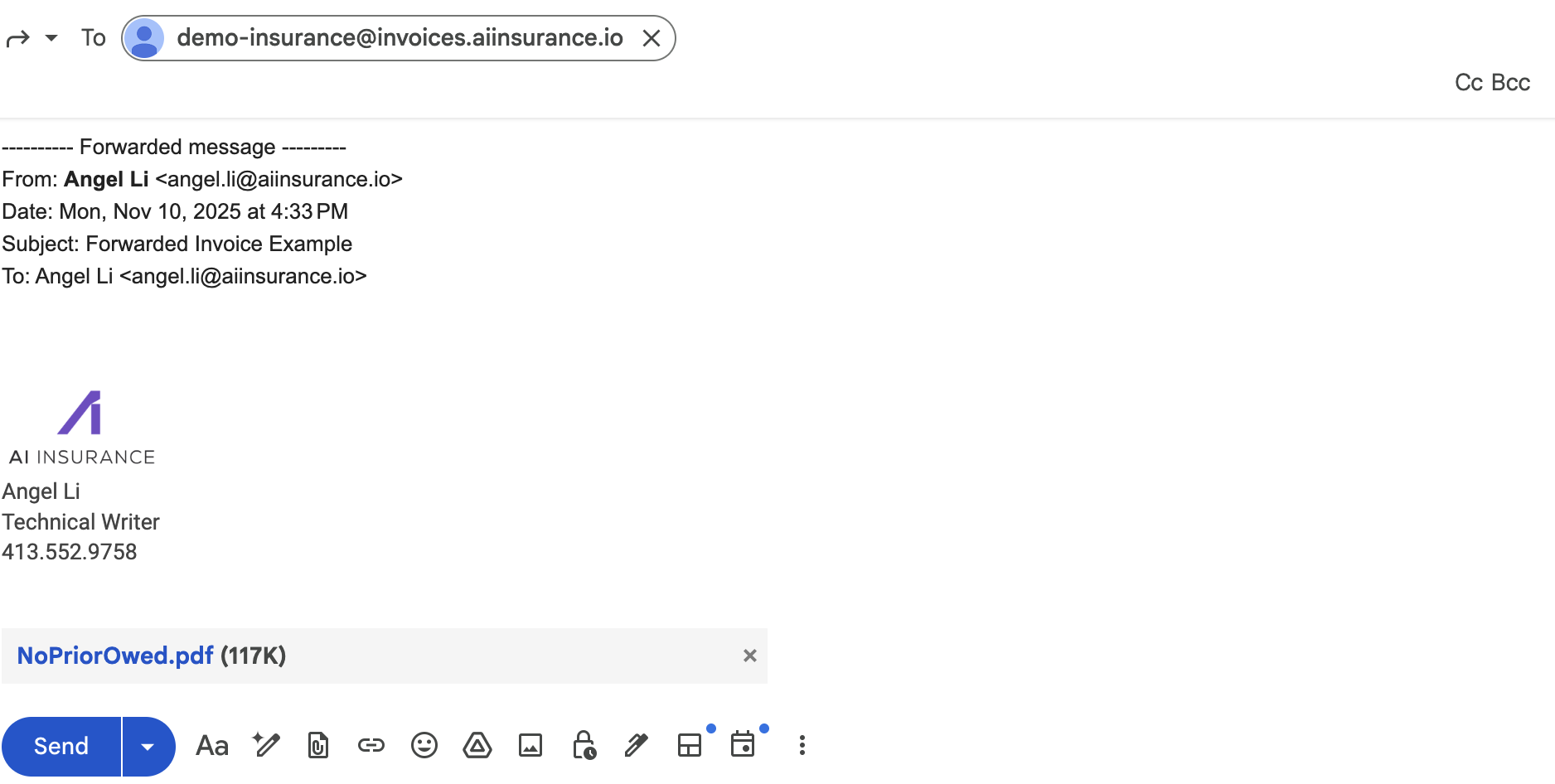
What Happens Next
After forwarding an invoice:- The system automatically parses the invoice data
- A new transaction is created for you to review
- The invoice is processed through Invoice Audit (if enabled)
- You can review and validate the parsed data

Using Forwarded Invoices for Invoice Audit
Forwarded Invoices is the primary method for submitting invoices to the Invoice Audit system. When you forward an invoice:- The invoice is automatically parsed and evaluated against your audit rules
- Violations and compliant items are flagged for your review
- You can fine-tune your audit rules based on the results
Note: Forwarding invoices via email is the recommended primary workflow. You can also manually upload invoices, but email forwarding provides a more streamlined experience.